
This page exists because the same question kept coming up on Discord: what does the editor actually look like, and what exactly can it do? One line of shop text does not answer that. Here it is field by field, with screenshots from the running game.
Nobody should unlock something and then find out they had pictured something else. That is why the limits are here too: what the editor does not do, and where it reaches into a career you are already playing.
Everything on this page together is the Ultimate Edition. Each piece is also available on its own or in smaller bundles. Only the ad-free unlock belongs exclusively to the Android version, because that is the only version with ads.
You cannot buy anything on this page. Unlocking happens in the game, through whichever store you got it from. Prices are shown there, because they differ by country and currency.
In short
The game stays free
Ten years as a manager, fifteen countries, every league and cup, the three European competitions, and your entry in the worldwide leaderboard when the career ends. No payment is needed for any of it, and none of it is time limited.
What you unlock is extra
The database editor, a player of your own, the career beyond season ten, more training camps, faster stadium building, a larger training budget. None of it is required to finish the game.
Not to be confused
The fan shop is a game feature: scarves, shirts, stock levels, paid for with club money. The Premium Shop on the laptop is where the unlocks live. Two different things, similar name.
The database editor
The editor is a screen of its own with a menu bar, the kind you remember from the manager editors of the nineties. Seven areas: countries, teams, players, leagues, sponsors, referees and file. It works on the game database: you can change the one that ships with the game, or create your own and switch between them.
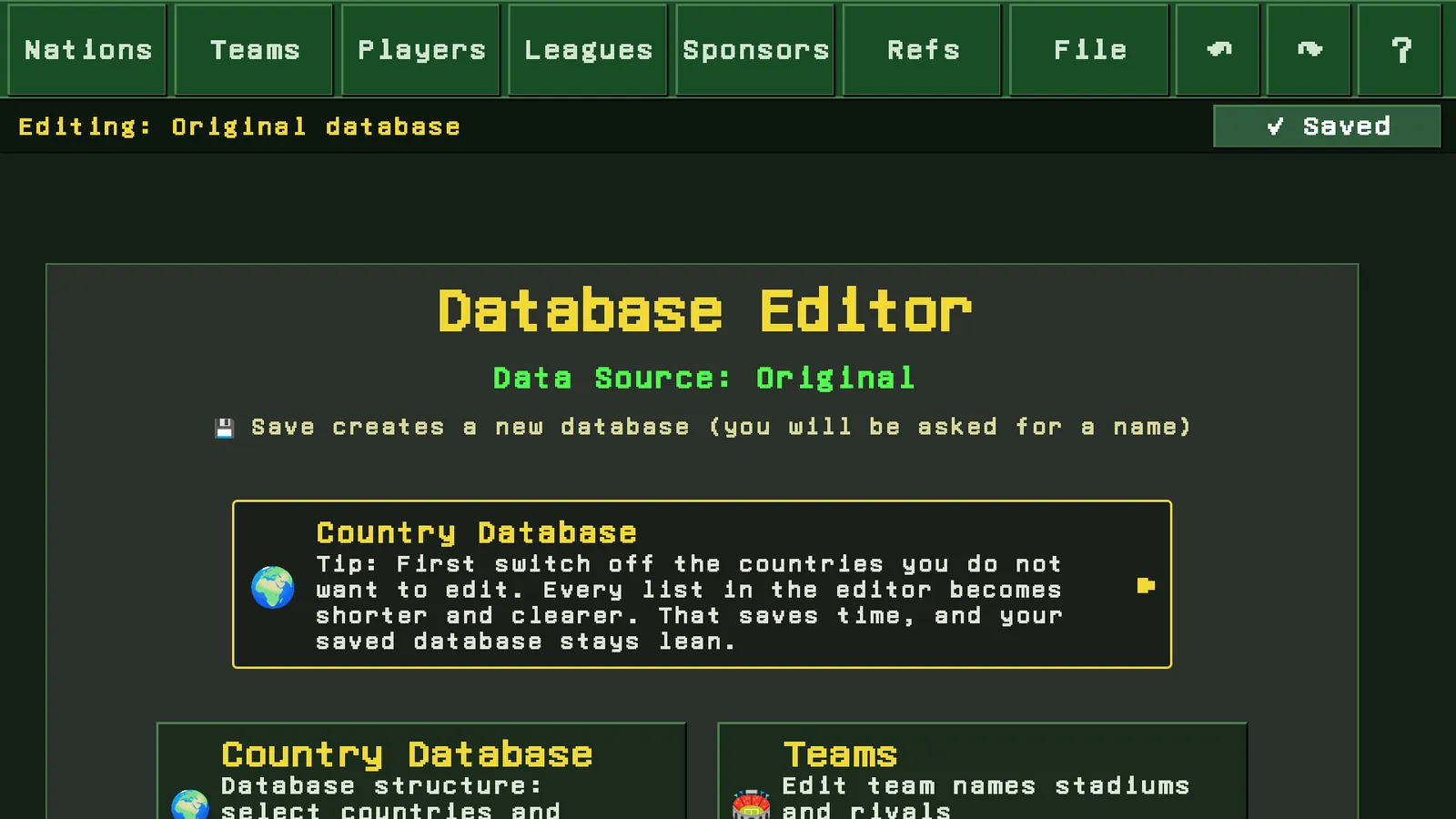
🏟️ Teams
Every club in the database can be opened and changed:
- Club name
- Manager name
- City
- Stadium name
- League tier, meaning which division the club plays in
- Attendance modifier
- Rivals, freely chosen
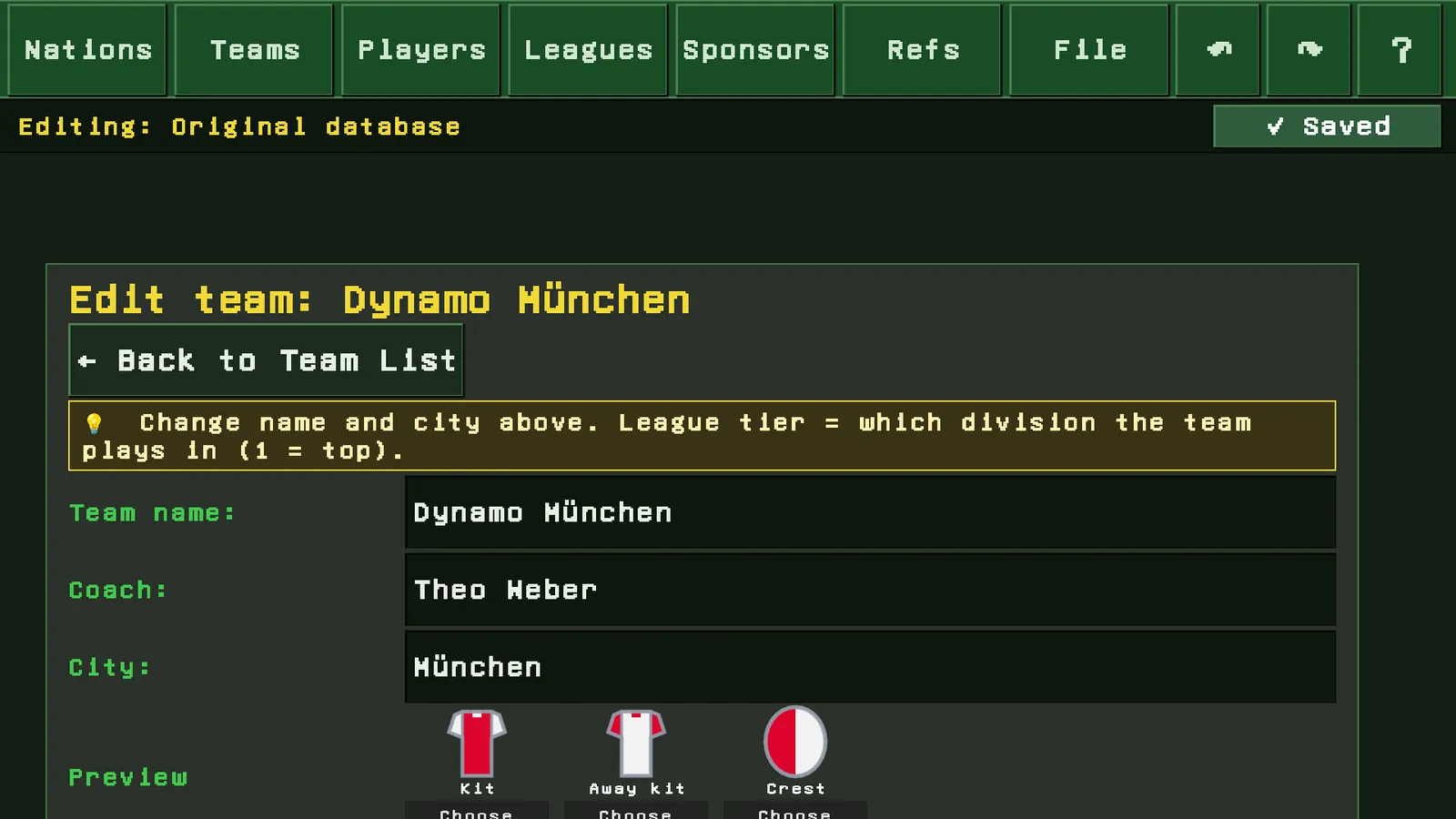
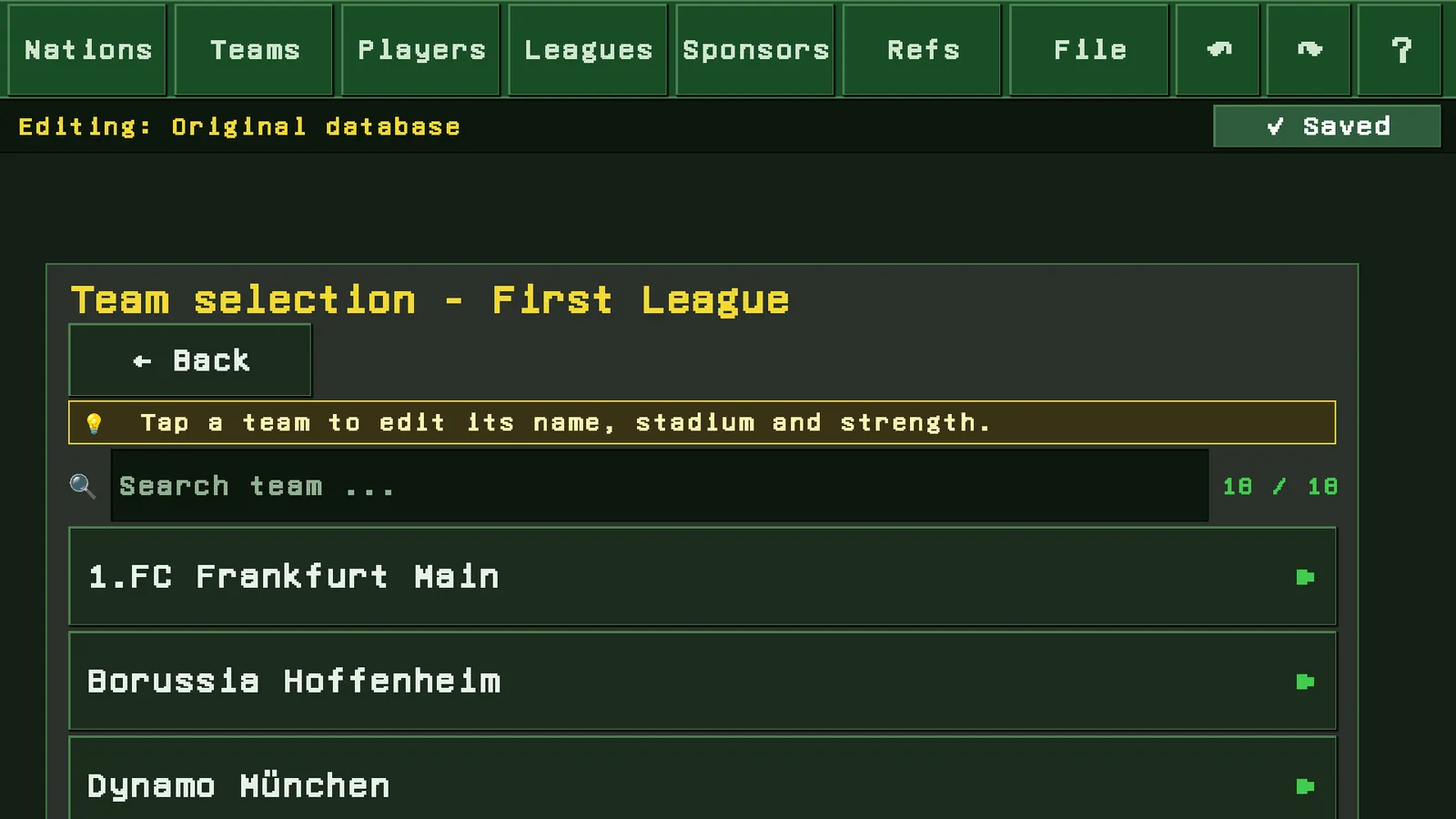
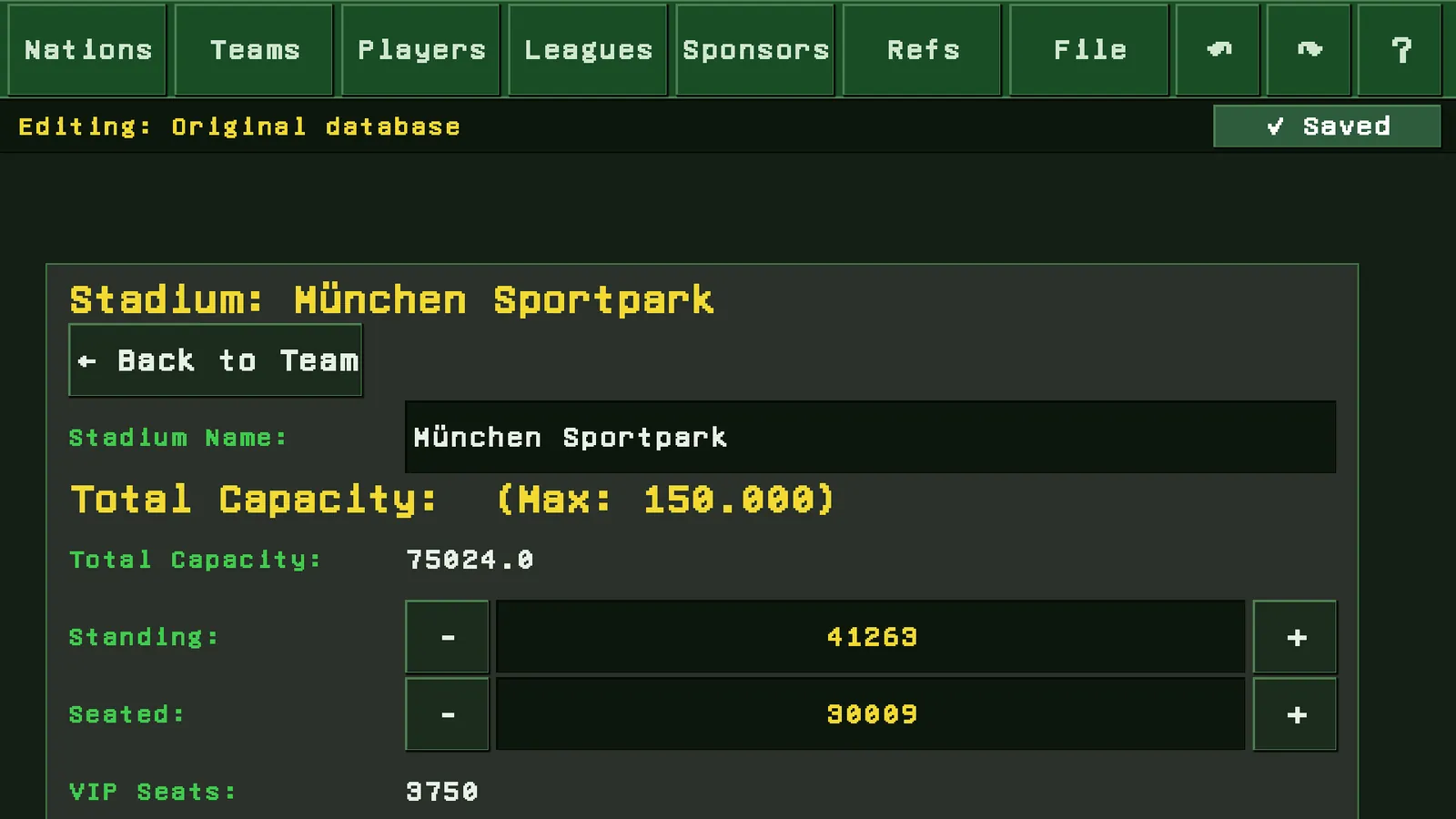
🏗️ Stadiums in detail
Behind every club sits its own stadium screen. Capacity is not just a number, it is spread across seat types:
- Stadium name
- Total capacity
- Standing places, seats, boxes
- Covered places
- Floodlights
- Undersoil heating
- Scoreboard
If the seat types add up to more than the allowed maximum, the editor corrects the values and tells you.
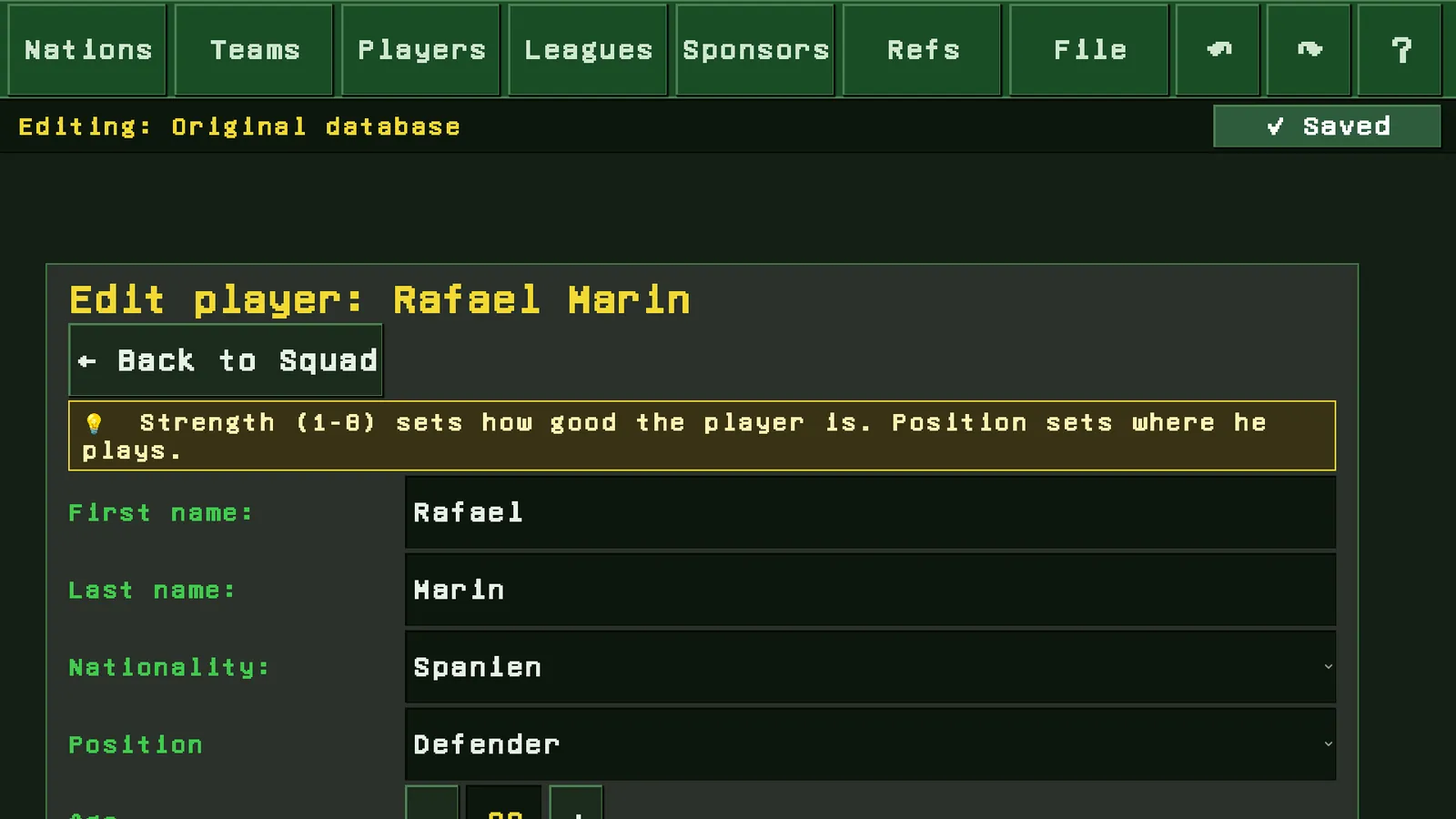
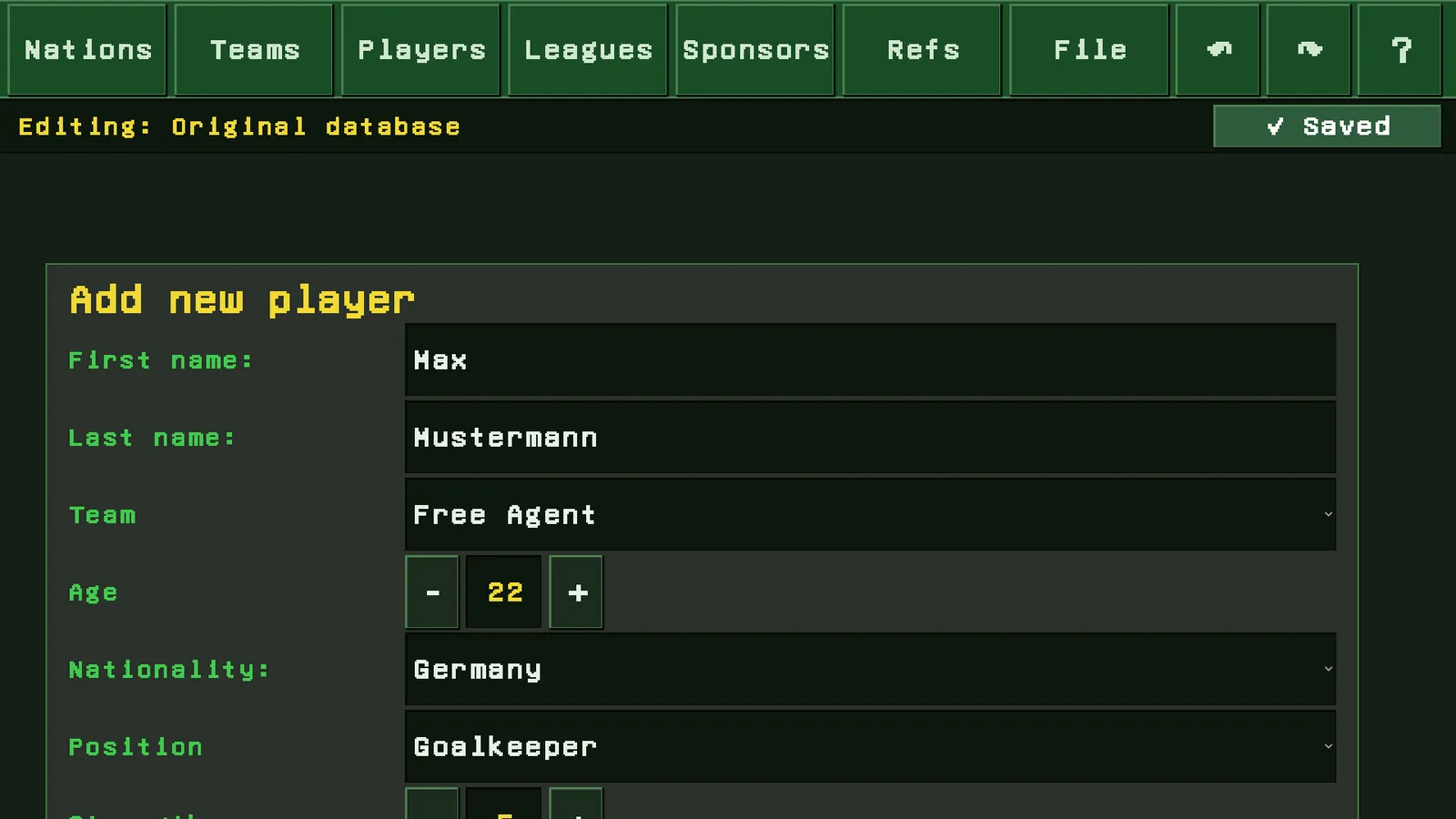
👤 Players
The largest area. Players can be edited, created, moved and deleted:
- First name, last name
- Nationality
- Position
- Age
- Strength
- Contract years
- Transfer to another club
- Delete, one by one or in batches by club or strength range
Free agents have their own way in, sorted by strength.
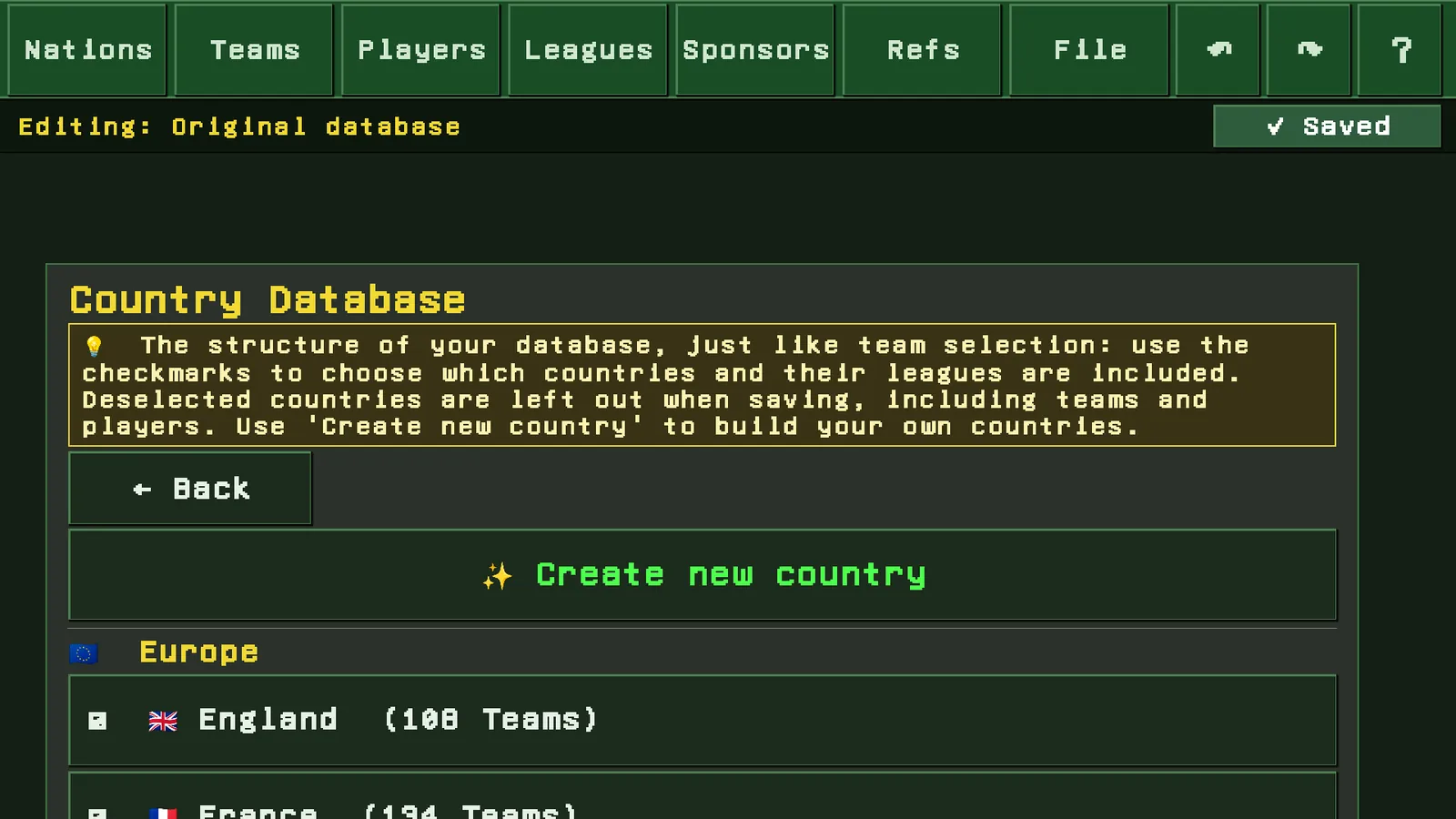
🌍 Country database
This is where you decide what your database consists of. Countries are ticked on and off. Unticked countries drop out when you save, together with their teams and players.
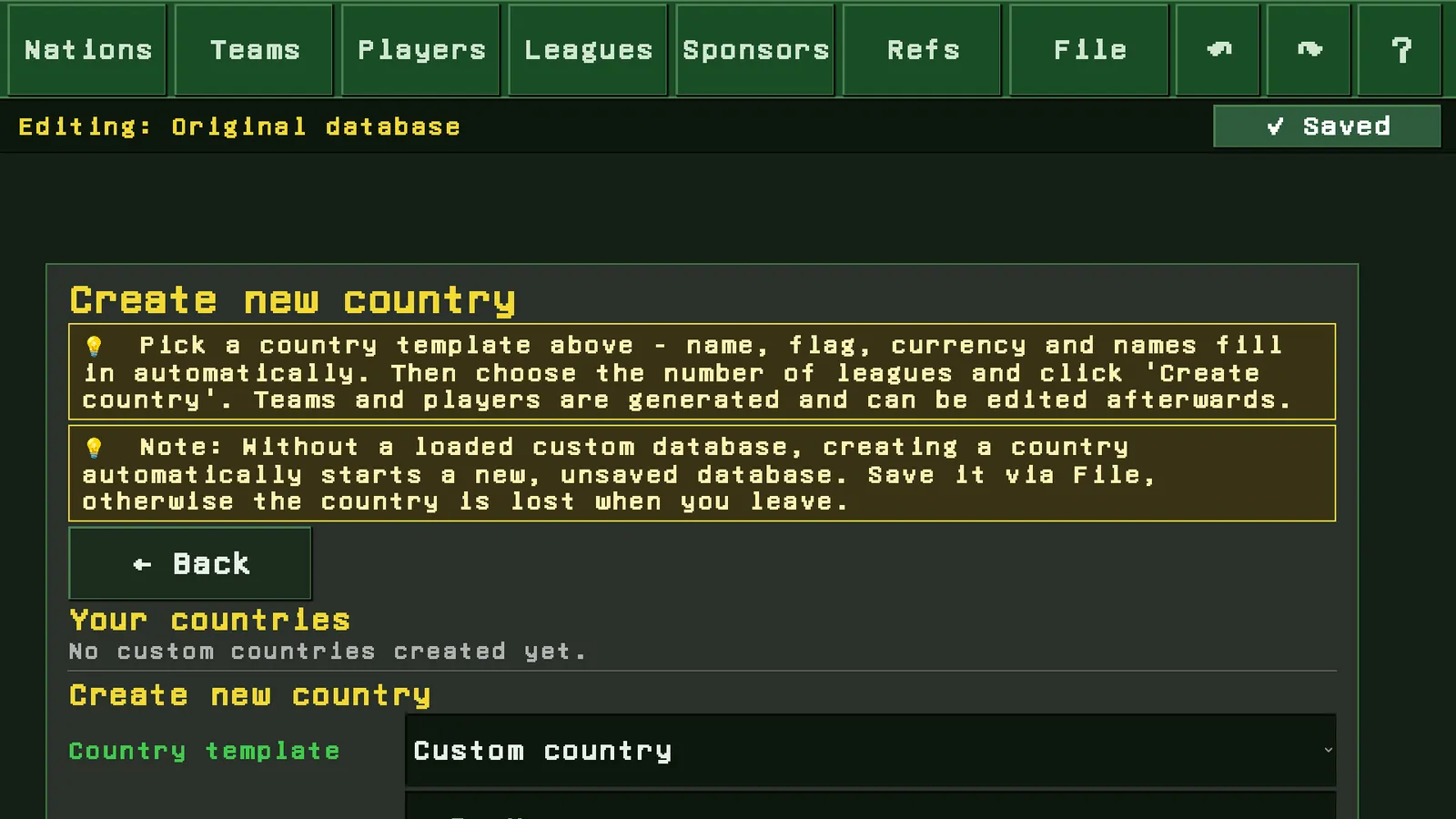
And you can create countries of your own: name, country ID, short code, currency with symbol and exchange rate to the euro, your own lists of first and last names for generating players, a flag emoji, plus one to three divisions with names you choose. A template fills the fields in if you would rather not start from nothing.
🏆 Leagues, cups and sponsors
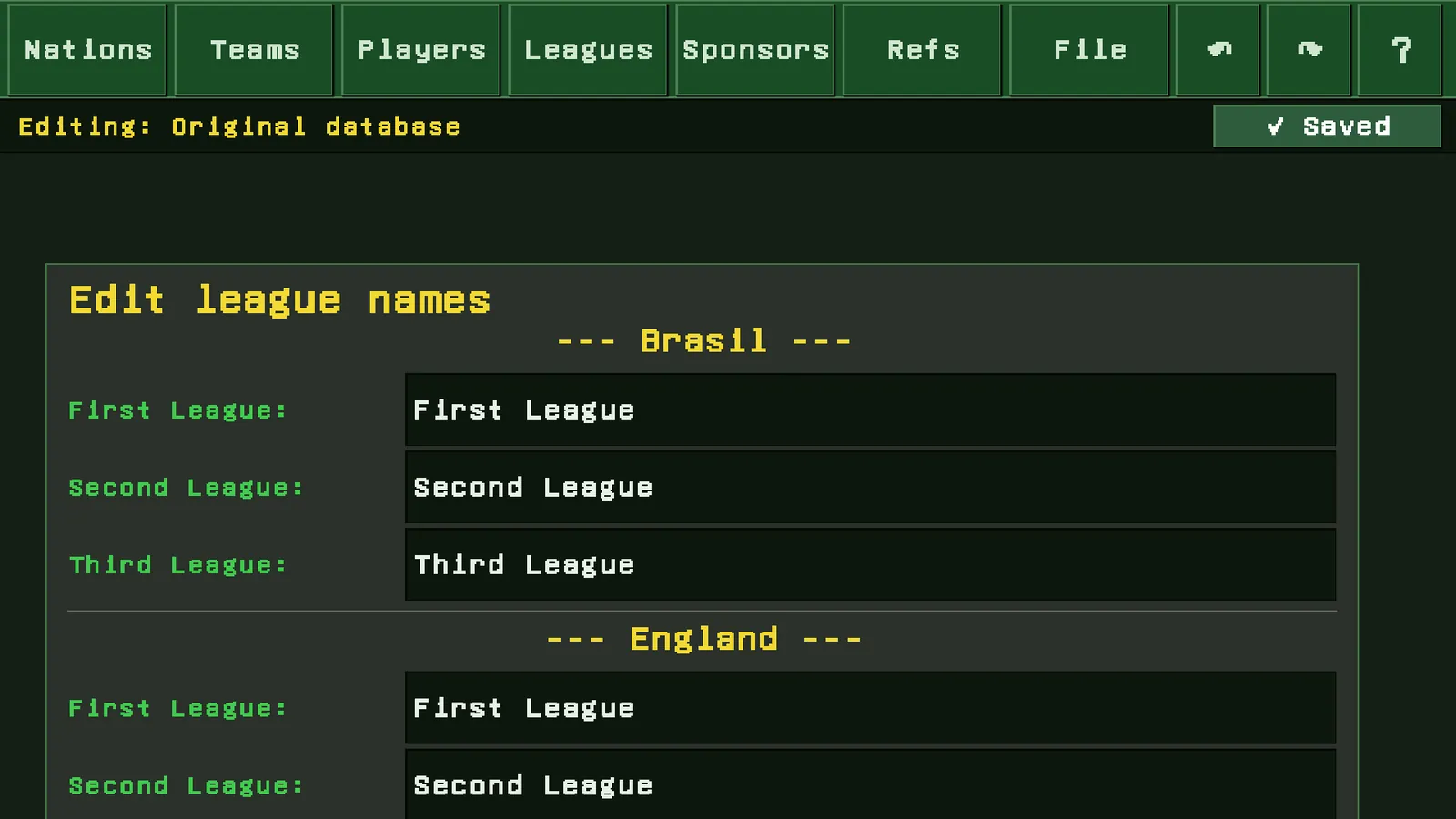
- League and cup names in every country
- League assignment and how promotion and relegation are linked
- European qualification per country and confederation
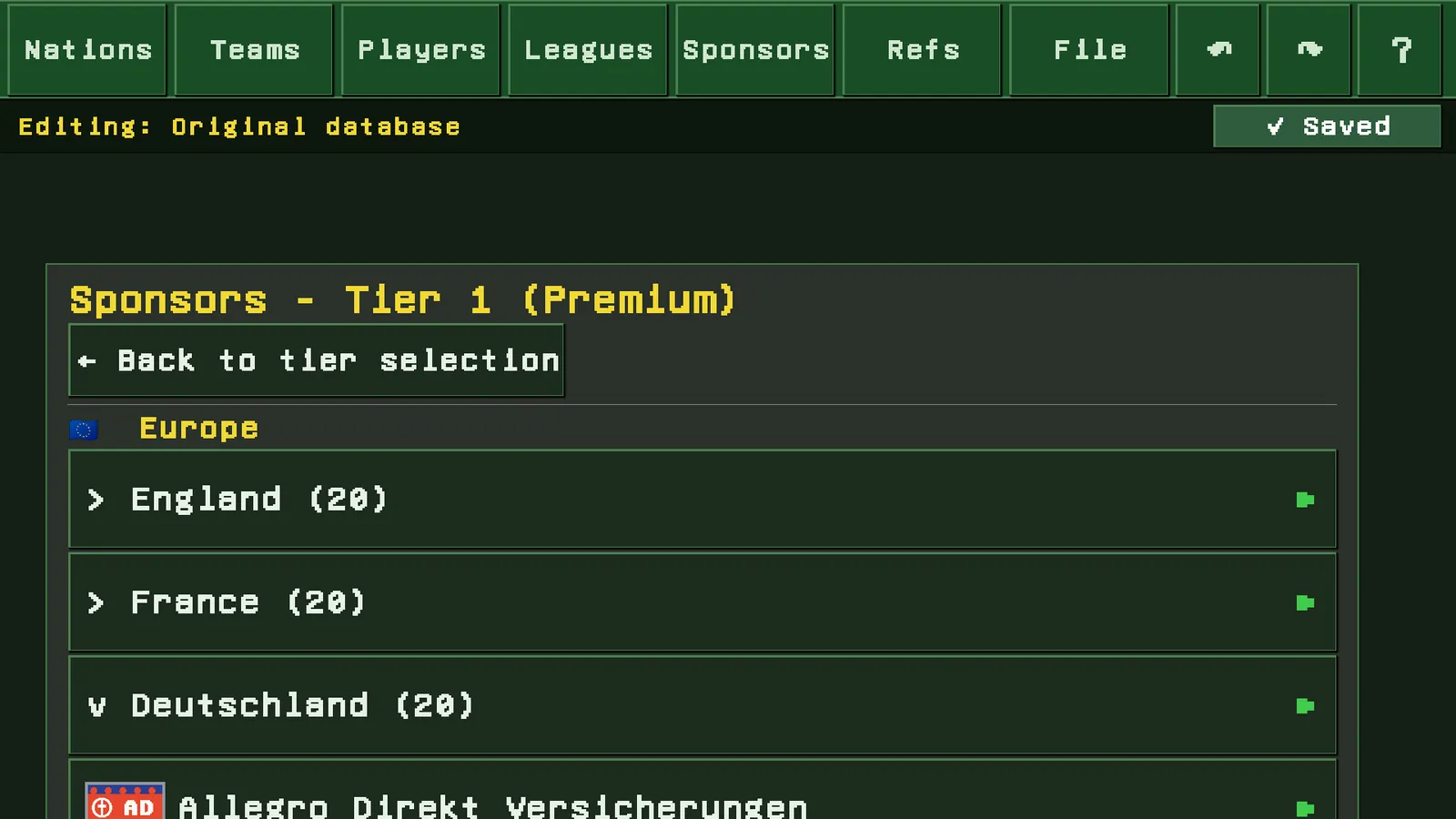
- Sponsors per league tier: name and base amount, create and delete
- Referee names
🖼️ Your own artwork
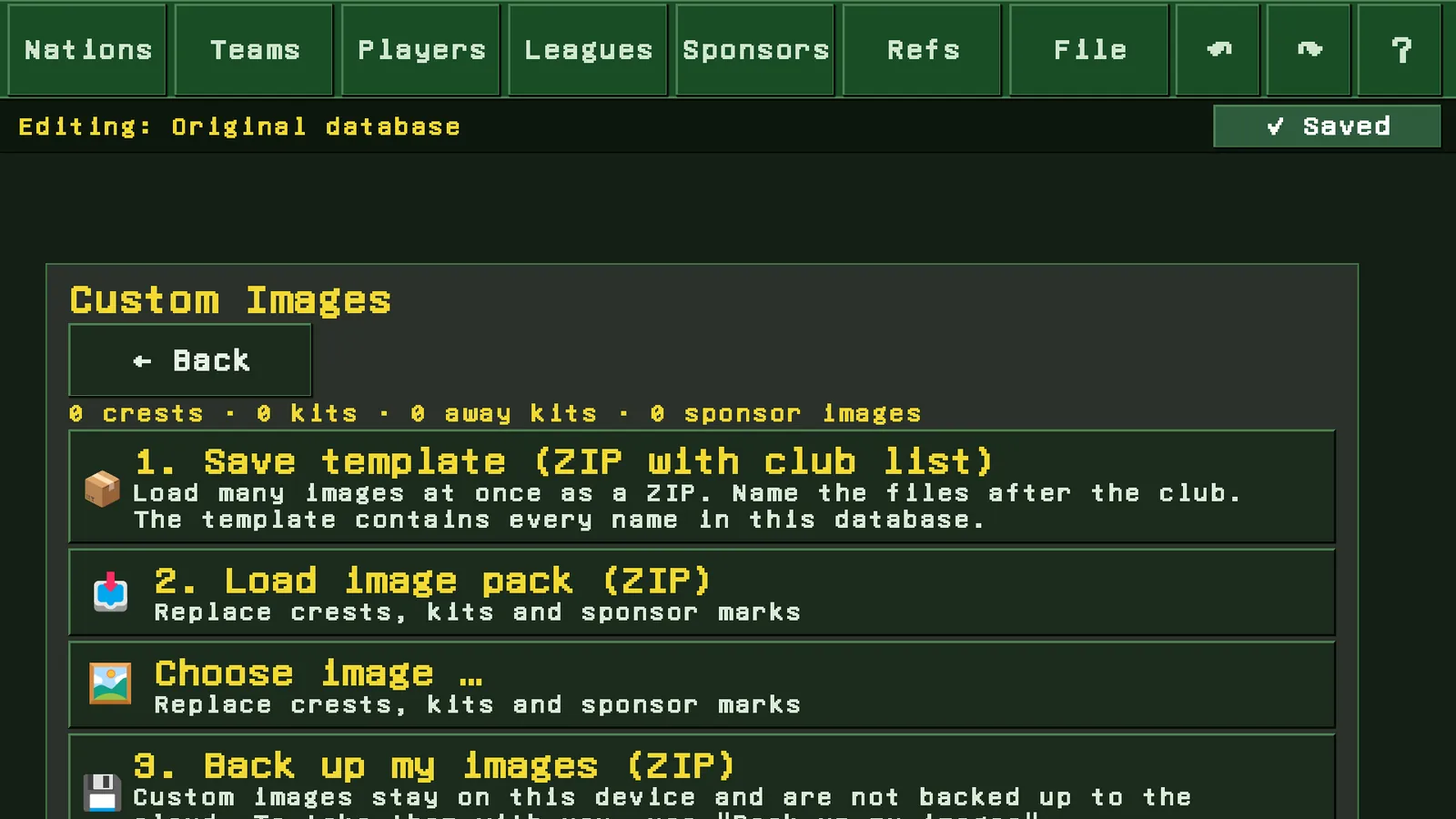
Found under File, not as its own entry in the menu bar. Crests, home shirt, away shirt, sponsor marks and pitchside boards can all be swapped. One at a time, but mainly in batches, in three steps:
- Save the template: a ZIP holding the names of every club in your database
- Load your image pack: your ZIP, files named after the clubs
- Back up my artwork: your set as a ZIP to take with you
After the import the editor reports which images were matched and which found no club.
💾 File
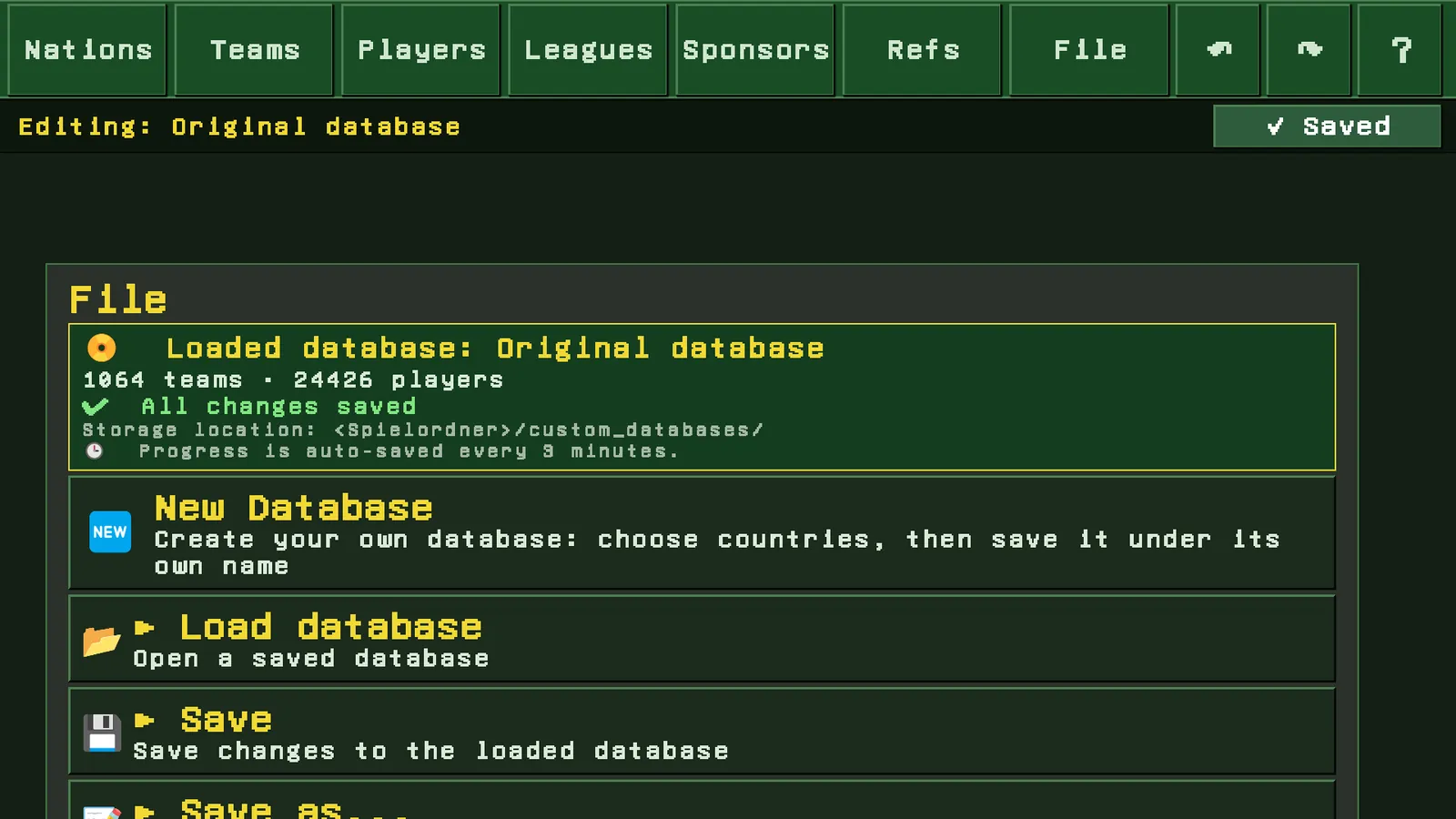
The editor works with several databases side by side:
- Create a new database: pick countries, save under your own name
- Load a database
- Save and Save as
- Restore the original data, at any time
- Your own artwork, because crests and shirts sit next to the database as a package
The header always shows which database is loaded, how many teams and players it holds, and where it lives. Work in progress is saved automatically every three minutes.
Two ways to open it
This is the part that gets misunderstood most often. Where you open the editor decides what it acts on.
From the main menu
The editor works on the database. Your changes apply to new careers started with that database. A career you are already playing stays untouched.
From the options of a running career
The editor works directly on your save. Change a player or a team there and it takes effect immediately. Market values are recalculated, league tables follow.
Important: reaching into a running career switches off that career's entry in the worldwide leaderboard. Permanently, even if you undo the change. In a leaderboard where anyone can set their players to maximum strength, first place says nothing. If your leaderboard entry matters to you, open the editor from the main menu and start a new career with it.
What the editor does not do
- It does not lift the leaderboard exclusion. Edit inside a running career and that career no longer appears in the worldwide leaderboard. A database of your own, used for a new career, is not affected.
- It does not back your artwork up to the cloud. Crests and shirts live on this device only. For a move to another device there is "back up my artwork".
- Your own countries do not appear in the original database. They belong to the database you created them in. Without one loaded, your first country of your own starts a new, unsaved database automatically.
- It does not interfere with a matchday being simulated. While the game is calculating, changes are blocked.
- It does not change the rules of the game. What you edit is master data: clubs, players, stadiums, leagues, sponsors, referees, artwork. The match engine, the finance model and the training logic stay as they are.
Your own player
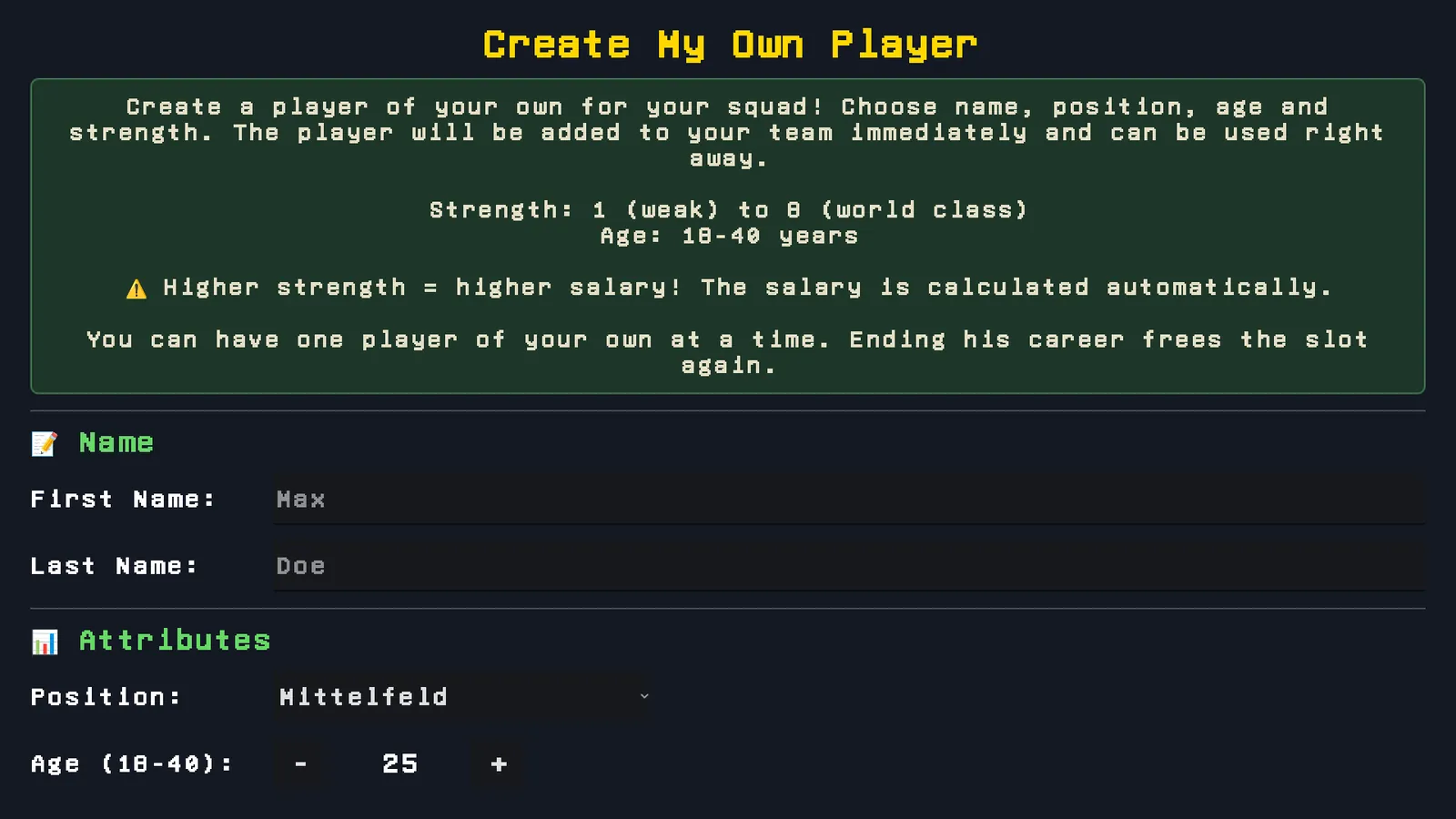
A small screen where you put a player together yourself. He goes straight into the squad and can play in the next match.
- First and last name, freely chosen
- Position
- Age, 18 to 40
- Strength, 1 to 8, from weak to world class
- Form, 0 to 20
Wages are calculated automatically and follow the strength you set. A world class player costs you accordingly. If you are building an eight on a tight budget, check your finances first.
He takes one of the 26 squad places. If the squad is full, it will not work. You can have one player of your own. End his career and the place frees up again.
Unlimited career
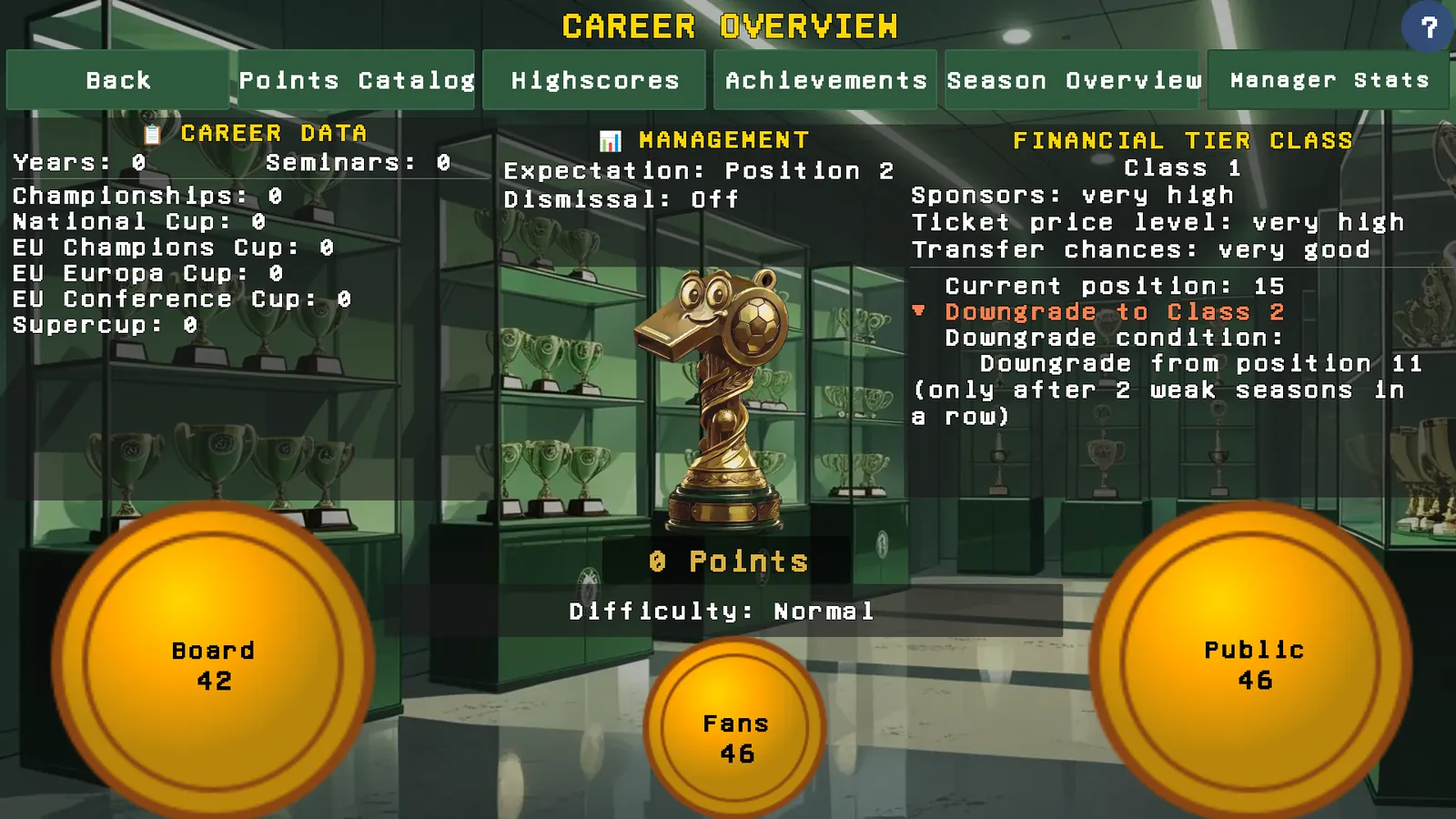
Without this unlock your managerial run ends after ten seasons played. That does not happen mid game: it is a proper career ending, with a closing summary and your entry in the worldwide leaderboard.
With it, that limit falls away. You keep playing as long as you like, at the same club or a new one.
The ten years are the actual goal of the game and completely free. This unlock extends them, it does not open up anything that was locked before.
More room to move
The rest are dials on club life. Here is what each one measurably changes.
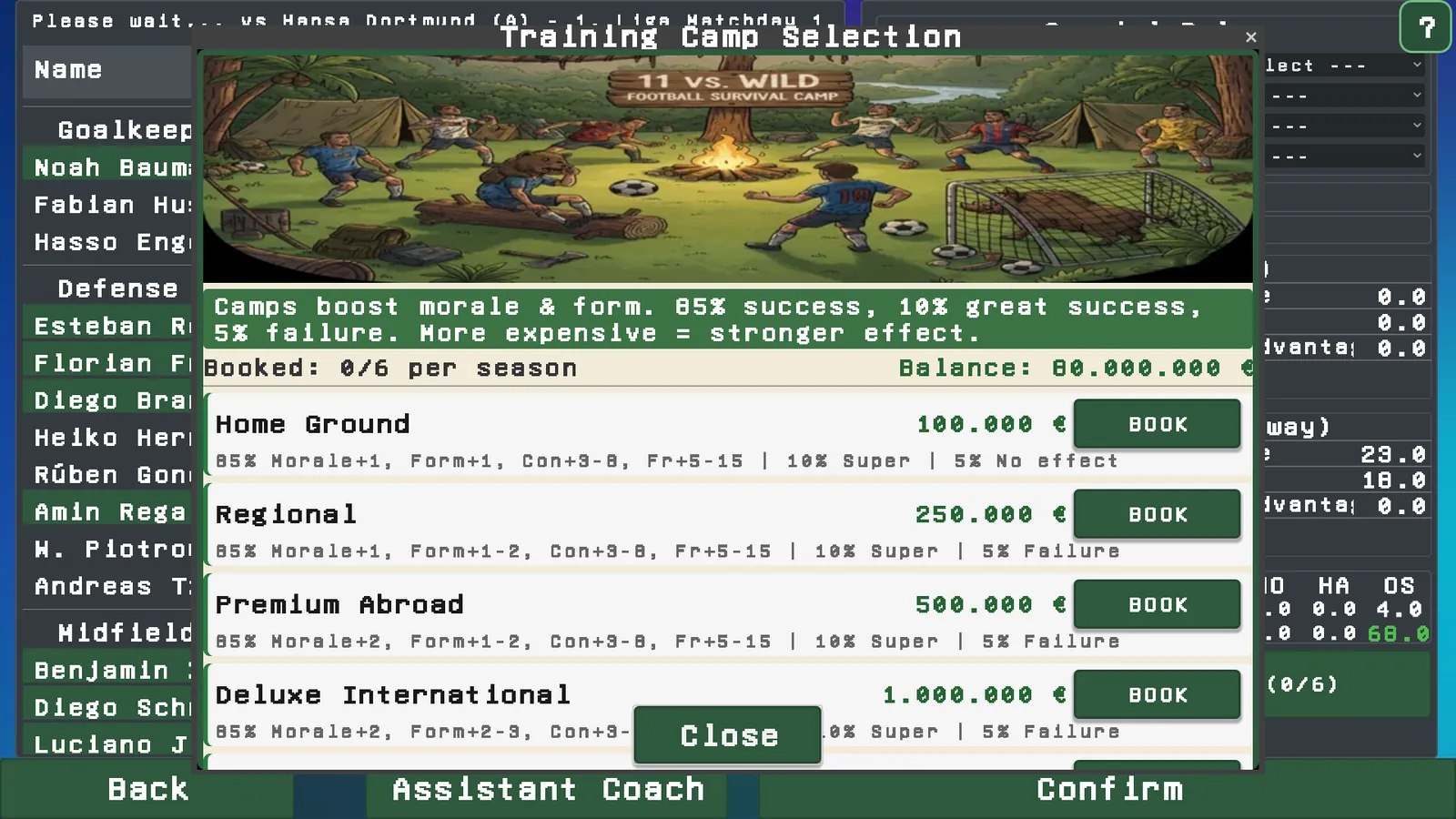
🏕️ Training camp upgrade
Six training camps per season instead of three. The rule of at most one per week stays.
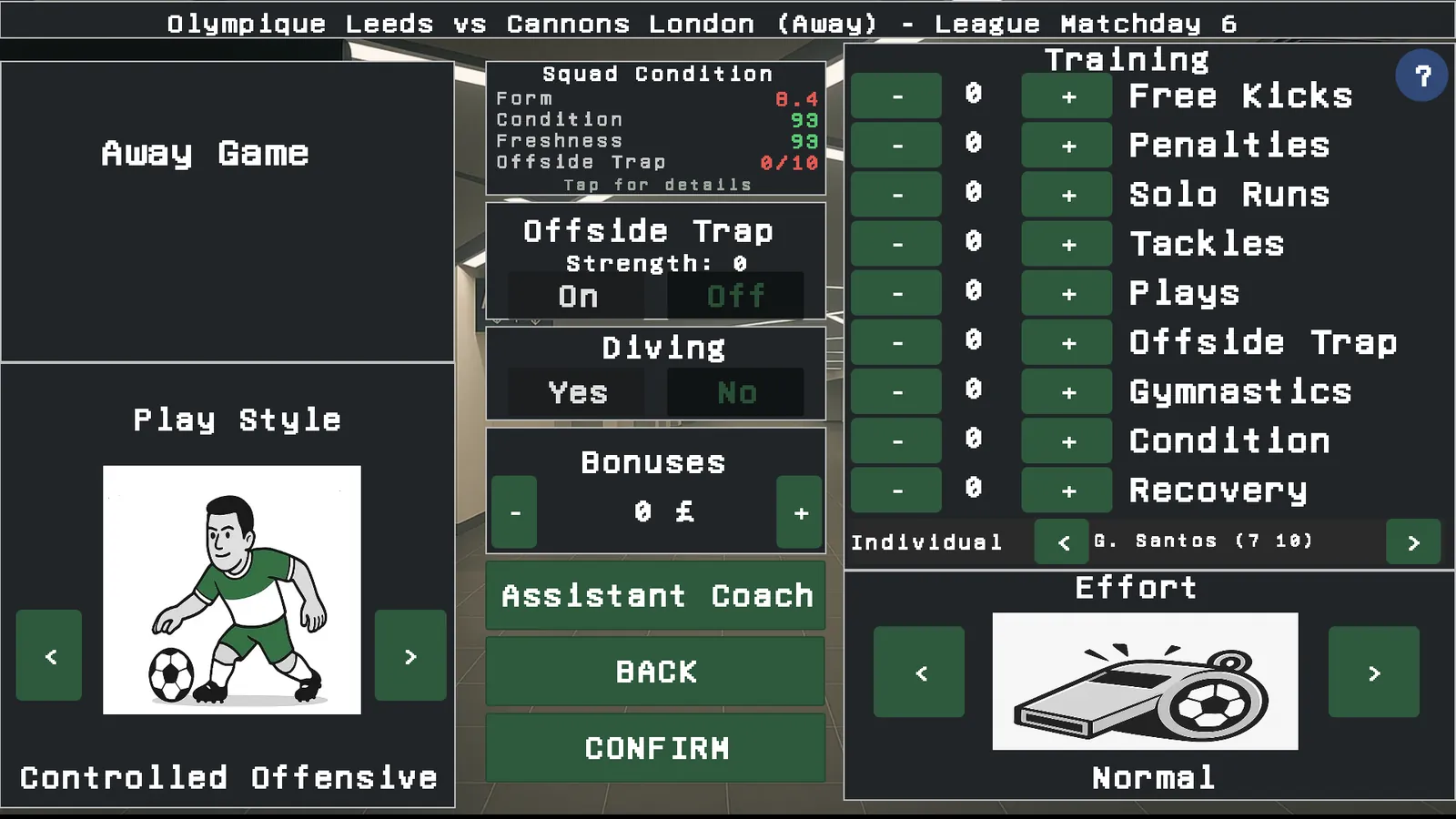
The same unlock also raises your point budget in the training plan from 10 to 15.
🏗️ Stadium turbo
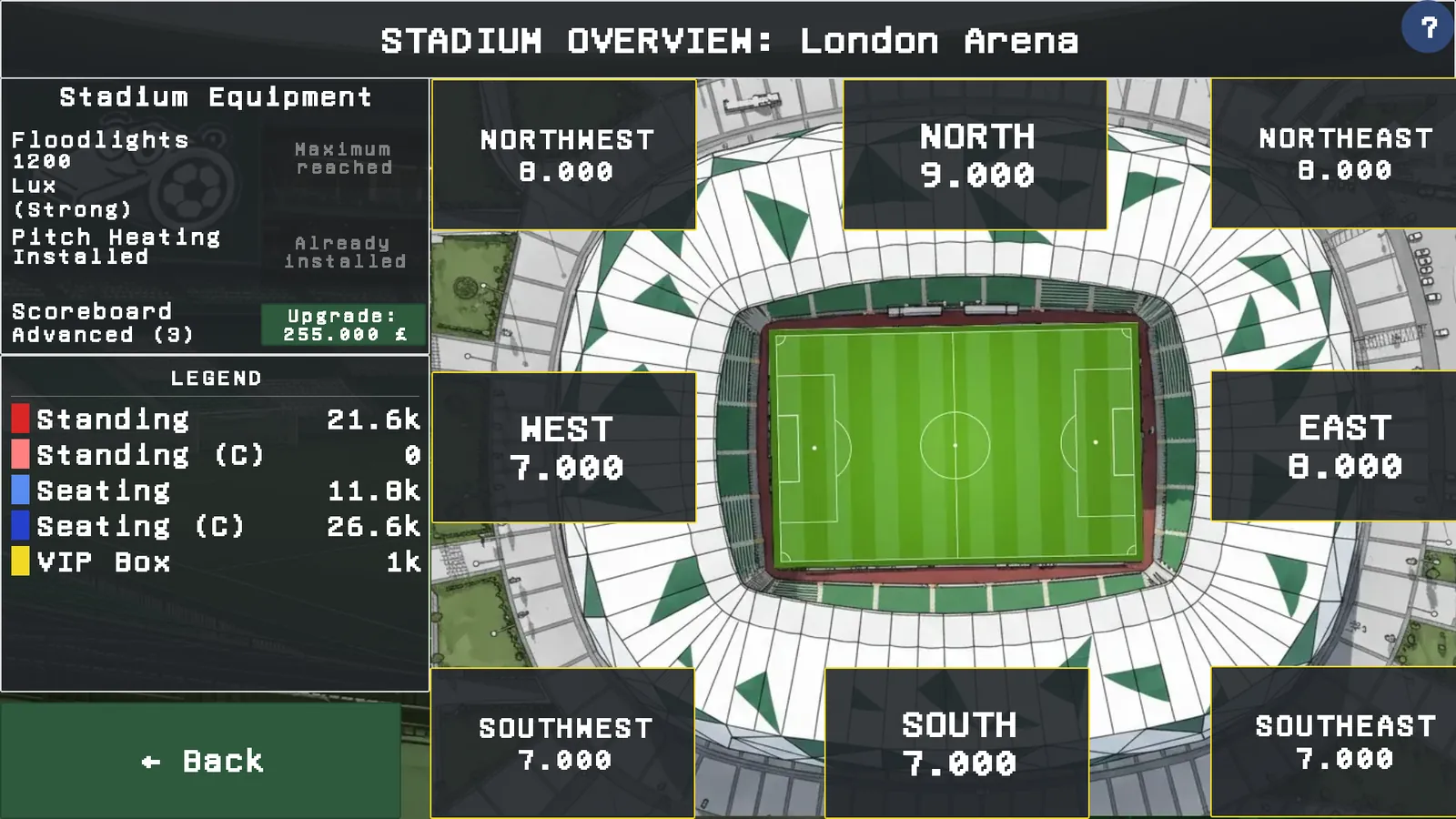
Building time for stadium expansion is halved. Depending on your capacity:
- up to 5,000 places: 6 weeks become 3
- up to 20,000: 8 weeks become 4
- up to 40,000: 12 weeks become 6
- up to 60,000: 16 weeks become 8
- above that: 20 weeks become 10
Building costs stay the same. Finishing earlier means earning from the new places earlier.
📊 Training points
Your training plan spreads points across nine areas. Without an unlock you have 10 points, with this one or the training camp upgrade 15, with the Ultimate Edition 20.
The shop text calls it "one-off +5 training points". What is one-off is the purchase, not the credit: the higher budget is permanent.
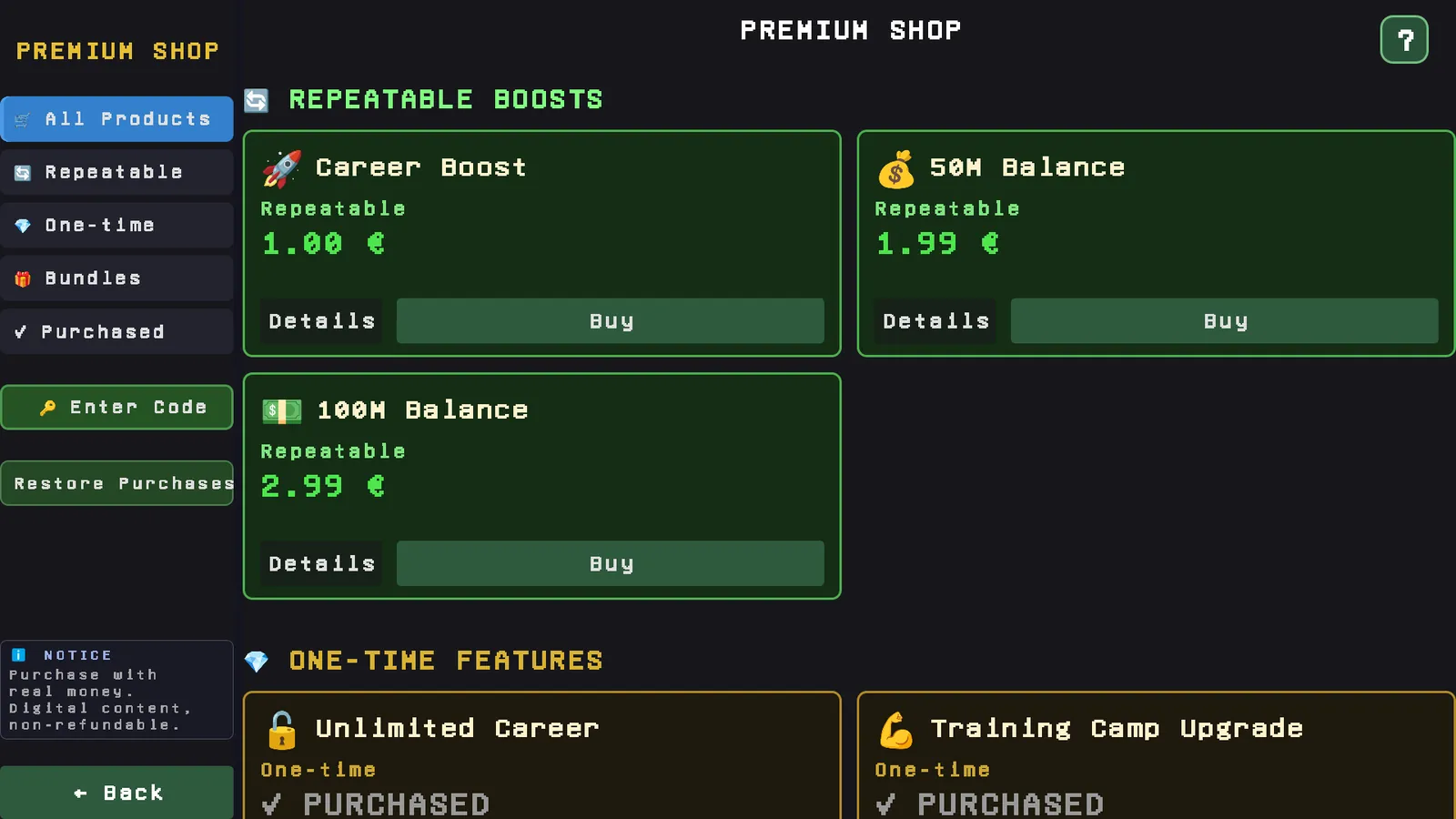
⭐ Career boost
Lifts your three popularity ratings: board, fans and public. Repeatable.
Worth knowing: it is 10 percent of the current value, not 10 points on top. If you stand badly with the board, the boost is correspondingly small. It will not save a dismissal that has already been decided.
💰 Cash injections
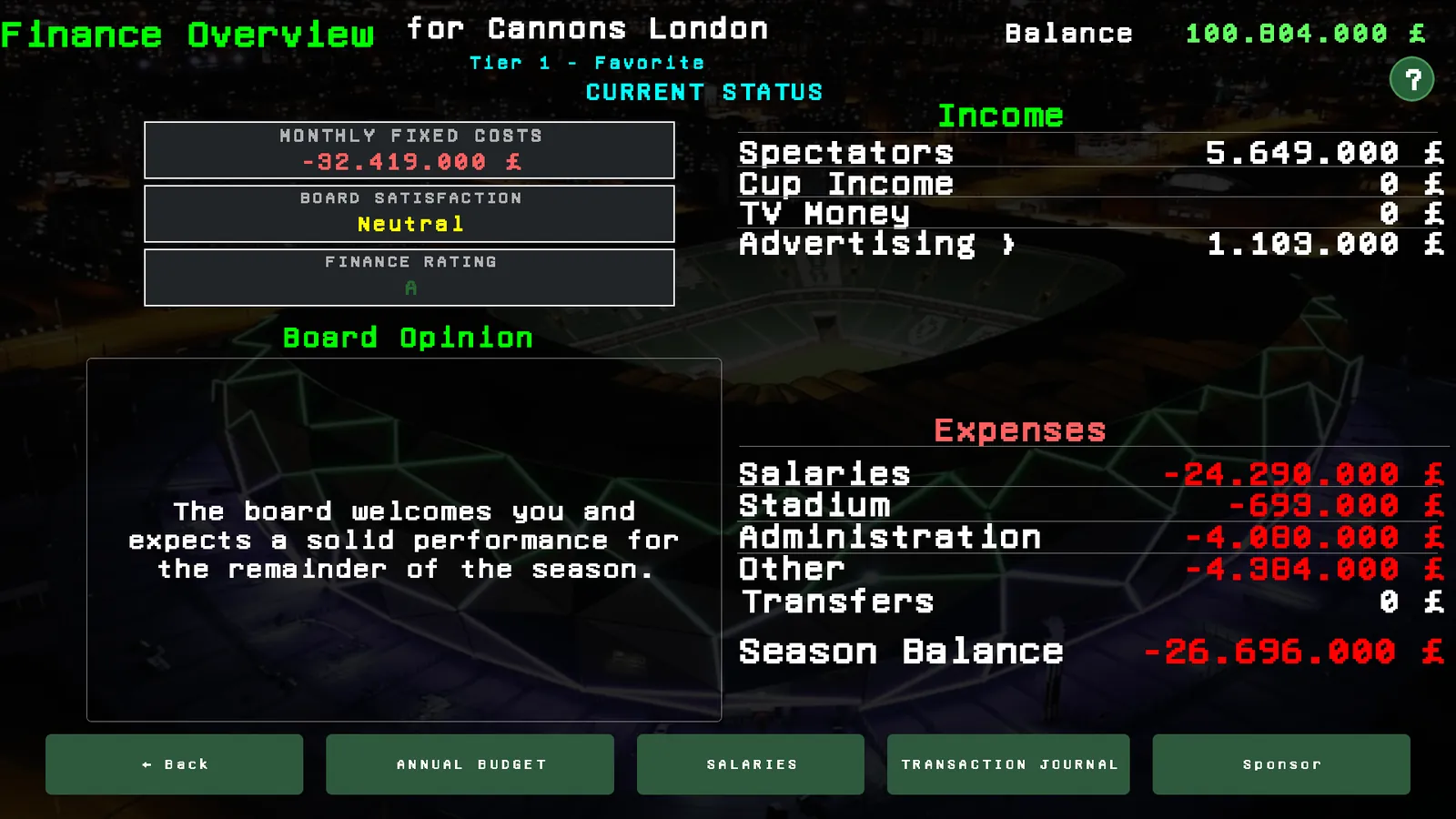
50 or 100 million, once, into the club account, as an entry in the finance journal. Repeatable.
Without a running career the amount is not lost: it is held and credited when you next start a career.
This has no effect on the leaderboard, unlike using the editor inside a running career.
🚫 Ad-free
Removes the full screen ads. This only concerns the Android version from Google Play. Steam, itch.io and the App Store carry no ads in the first place, so the item does not exist there.
For the same reason the bundles differ. On Steam and itch.io they are put together differently, because no ad-free share can be part of them.
Where to find it
- In the game: office, then laptop, then Premium Shop.
- Opening the editor: from the main menu, or from the options of a running career. The button appears as soon as the editor is unlocked.
- Restore purchases: in the shop. Needed after a reinstall or on a second device with the same account.
- Steam: the payment dialog opens in the Steam overlay. If nothing appears, the overlay is switched off in the Steam settings or in the game's properties.
- itch.io: you get a download key by email, which you enter in the shop.
Unlocks are tied to the account of the store you bought from. A purchase on Google Play applies to your Google account, a purchase on Steam to your Steam account. Your save can travel between platforms, the unlock cannot.
These are purchases with real money through the respective store. Digital content, excluded from returns. If you are under 18, ask your parents first. Prices are shown in the store because they differ by country and currency.
Common questions
About the editor
Does the editor change the career I am playing?
Only if you open it from the options of that career. Opened from the main menu it works on the database and affects newly started careers.
Do I lose my leaderboard entry if I use the editor?
For the career you edited in, yes. Permanently, even if you undo the change. A database of your own, used to start a new career, is not affected.
Can I build my own leagues and whole countries?
Yes. A country of your own gets a name, short code, currency with exchange rate, your own name lists for generating players, and one to three divisions. Existing countries can be ticked out of the database.
Can I use my own crests and shirts?
Yes, one at a time or as a ZIP for many clubs at once. The editor hands you a template with every club name in your database, so the file names match. The images live on your device only.
Can I enter real club and player names?
Technically yes, it is your database on your device. You should not distribute it publicly. There are legal reasons why those names are not in the game, and they apply to files passed around just the same.
Can I share my database with others?
Databases and image packs are files on your device and can be passed on. There is no exchange built into the game.
Can I undo my changes?
Restore the original data from the File menu at any time. Your own databases are kept, you simply switch back to the one that ships with the game.
About the unlocks
Do I need any of this to finish the game?
No. Ten years of career, all fifteen countries, every league and cup and your entry in the worldwide leaderboard are reachable without paying, with no time limit.
What happens after ten years without "unlimited career"?
The run ends properly, with a closing summary and your leaderboard entry. It is a career ending, not an interruption. You can start a new career whenever you like.
How many players of my own can I have?
One. He takes one of the 26 squad places and his wages follow the strength you set. End his career and the place frees up for a new one.
Is this pay to win?
There is no multiplayer, you play against the AI. The only place players are compared is the worldwide leaderboard, and a purchased cash injection counts there. Anyone who takes the leaderboard seriously should know that. The editor, by contrast, excludes the career it was used in.
Why do I not see "ad-free" in my shop at all?
Because there is nothing to remove. Ads only run in the Android version from Google Play, so the item does not exist elsewhere.
Why does my shop look different from someone else's?
What is on offer depends on the platform. Besides the ad-free item the bundles differ too: Steam and itch.io have their own line-up, because no ad-free share can be part of it.
About buying and accounts
What does it cost?
Prices are in the shop inside the game, because they differ by country, currency and platform. This page deliberately names none, they would be wrong for some readers.
Do I get the unlock back on a new device?
Yes, through "restore purchases" in the shop, as long as it is the same store account. The same applies after a reinstall.
Does a purchase apply on all platforms?
No. An unlock is tied to the account of the store in question: Google Play, App Store, Steam or itch.io. Your save can travel between platforms, the unlock cannot.
Can I get a refund?
This is digital content available immediately, which excludes it from returns. Beyond that, the store you bought from decides by its own rules.
I am under 18. May I buy this?
Only with your parents' consent. This is real money from a real account, not in-game currency.
The purchase failed but the money is gone. Now what?
First try "restore purchases" in the shop, which settles most cases. If that does not help, write to us on Discord or at info@digitale-manufaktur-rudolstadt.de, ideally with a screenshot and your platform.
Still got a question? The quickest way is Discord. Questions that come up more often end up on this page.